
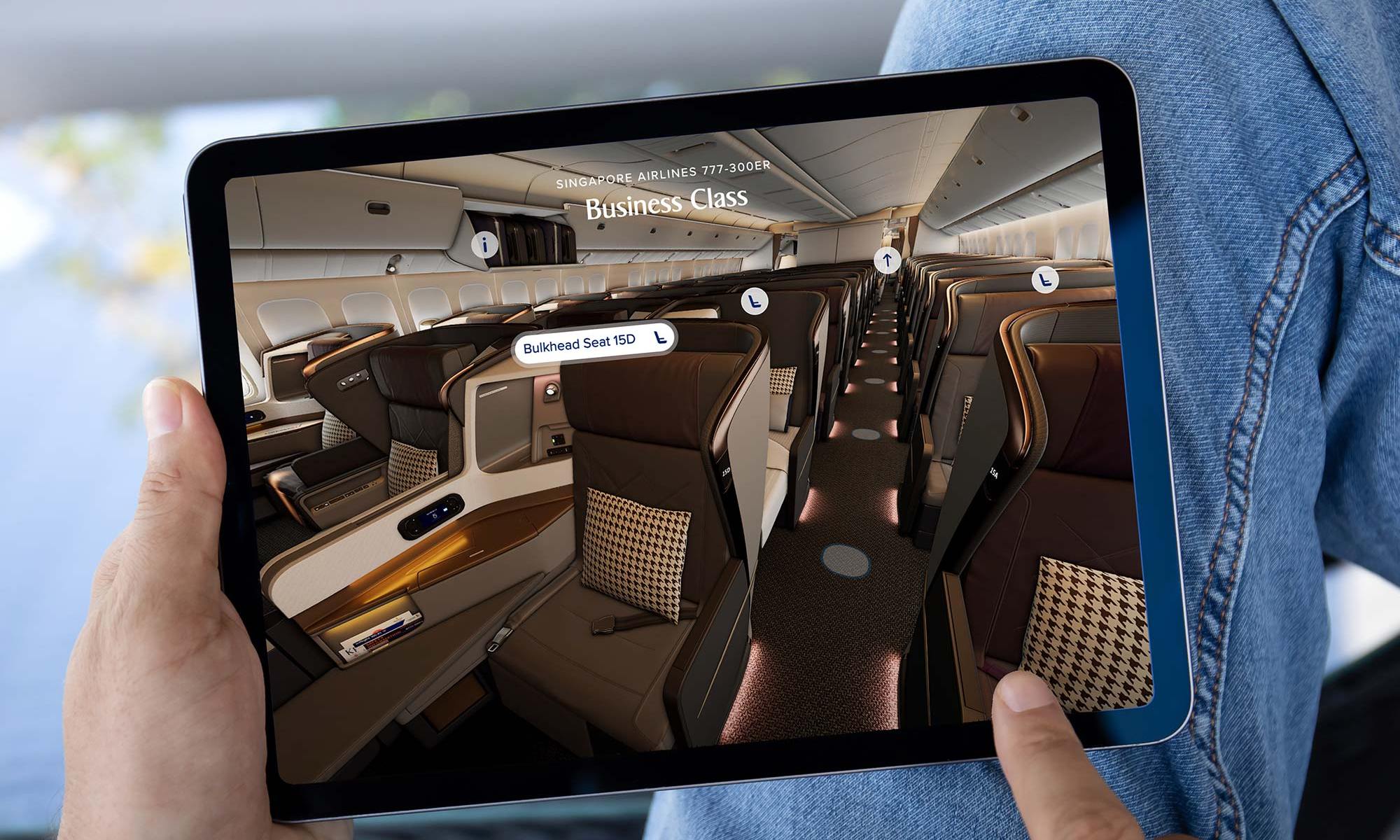

Back in October last year, we reported on the rollout of a new feature on the Singapore Airlines website and mobile app, allowing you to view a virtual reality 3D seat map for your selected seat on board Boeing 777-300ER aircraft.
Now there’s additional progress to report with these Virtual Reality 3D seat maps by Spanish design agency 3D SeatMapVR, with the ability to do a ‘walk-through’ of the cabin to help you make a better seat selection choice in advance.
So far the feature remains exclusive to the carrier’s Boeing 777-300ER aircraft, but we’re hoping to see a wider rollout of this useful feature across all SIA’s fleet types soon, which is a significant improvement from the carrier’s 2D seat maps.
Accessing the 3D ‘walk-through’
You can access the new 3D ‘walk-through’ of the Singapore Airlines Boeing 777-300ER at this page on the SIA website.
Scroll down to the ‘Explore our cabins in 3D’ section, where you can then step aboard in any cabin class you wish.
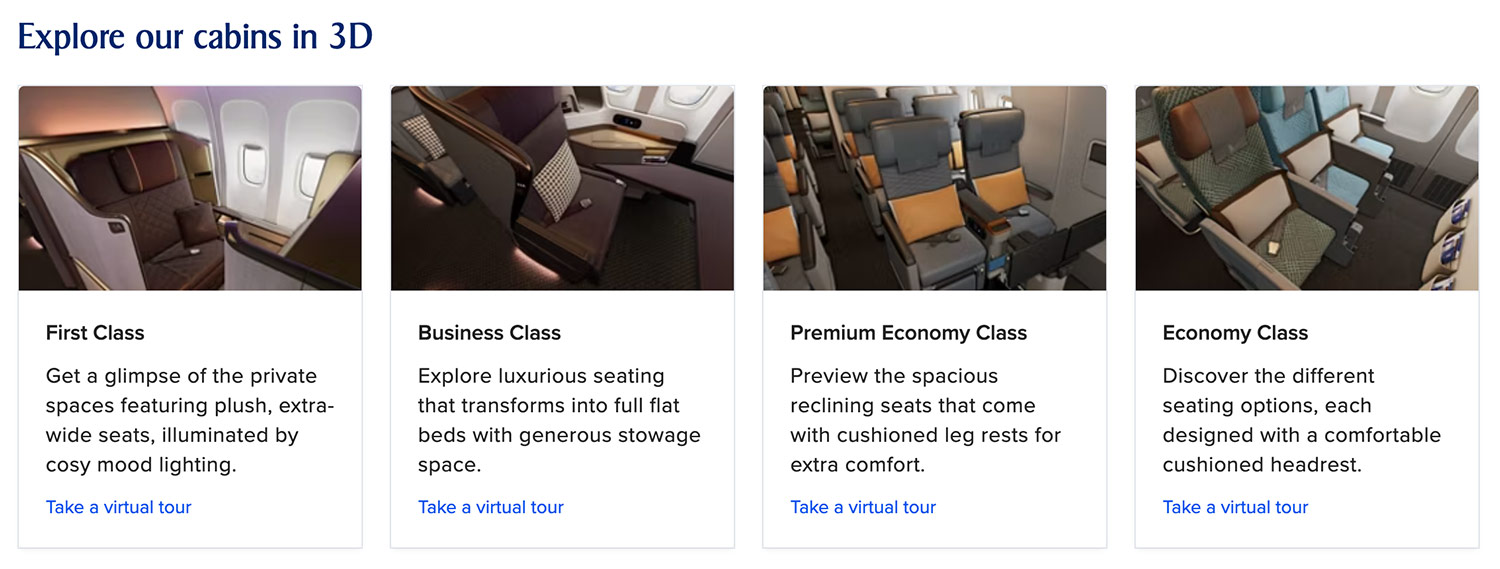
You can then take a tour down the left aisle of the aircraft, jumping from row to row along the spots highlighted on the floor.
You can also move between cabin classes, without having to return to the main menu, so it doesn’t really matter where you ‘enter’ the aircraft in the first place.

You can also use your mouse or keyboard to pan around the cabin, and the walkthrough is also enabled on mobile devices.
There are descriptions of the cabin in various locations, and you can jump into selected seats to take a look at additional features like privacy dividers, footrests and in-flight entertainment screens.
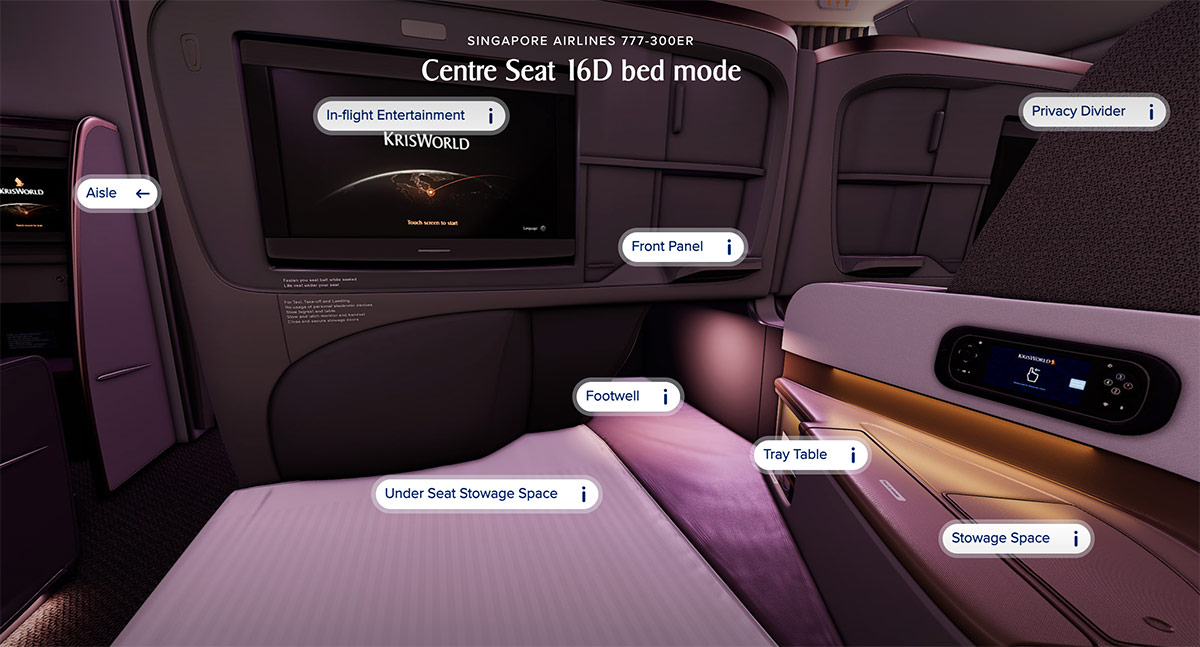
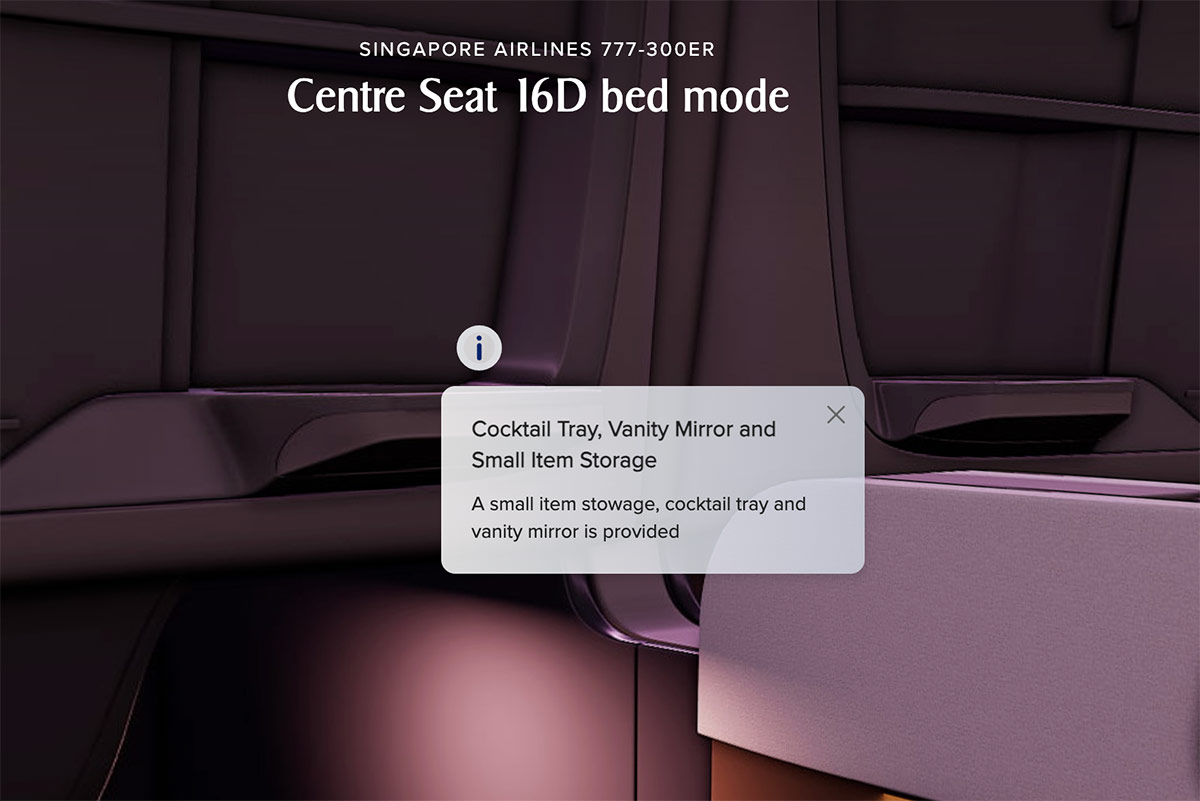
One great benefit of the cabin walk through is the ability to give you an idea about your seat’s placement, privacy / row alignment and window views.
For example, 19A in Business Class is a windowless seat (almost anyway!), which the 3D seat map accurately depicts for you.

You can currently ‘jump in’ to the following seats on the aircraft to take a closer look at the features:
- 1A (First Class window)
- 1C (First Class middle)
- 16A (Business Class window)
- 15D (Business Class middle)
- 16D (Business Class middle in bed mode)
- 31C (Premium Economy aisle with extra legroom)
- 31D (Premium Economy aisle bulkhead)
- 33E (Premium Economy middle)
- 41B (Economy middle with extra legroom)
- 41D/49D (Economy aisle bulkhead)
- 43D/51D (Economy aisle)
- 49C (Economy aisle with extra legroom)
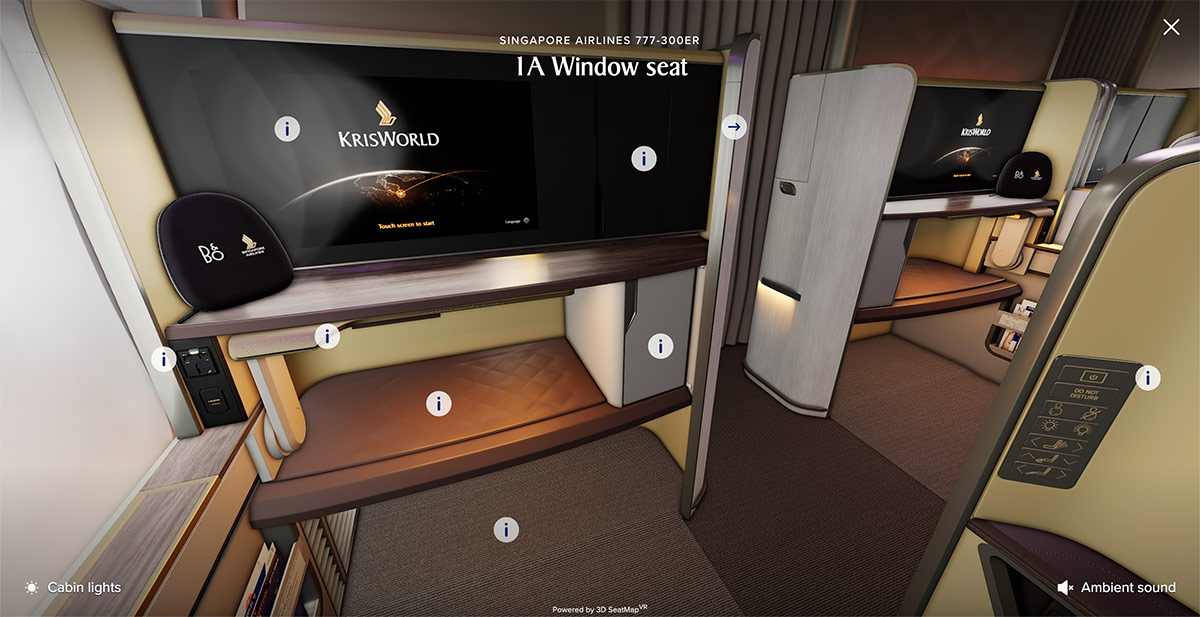
Details at the seat selection stage
When you make your seat selection on Boeing 777-300ER flights via the website, you can pan around your seat as though you’re already sitting there, whichever seat you choose, to get a good idea of its placement in the cabin.

You can also zoom in and out, or toggle a cabin lighting mode to simulate a night flight.
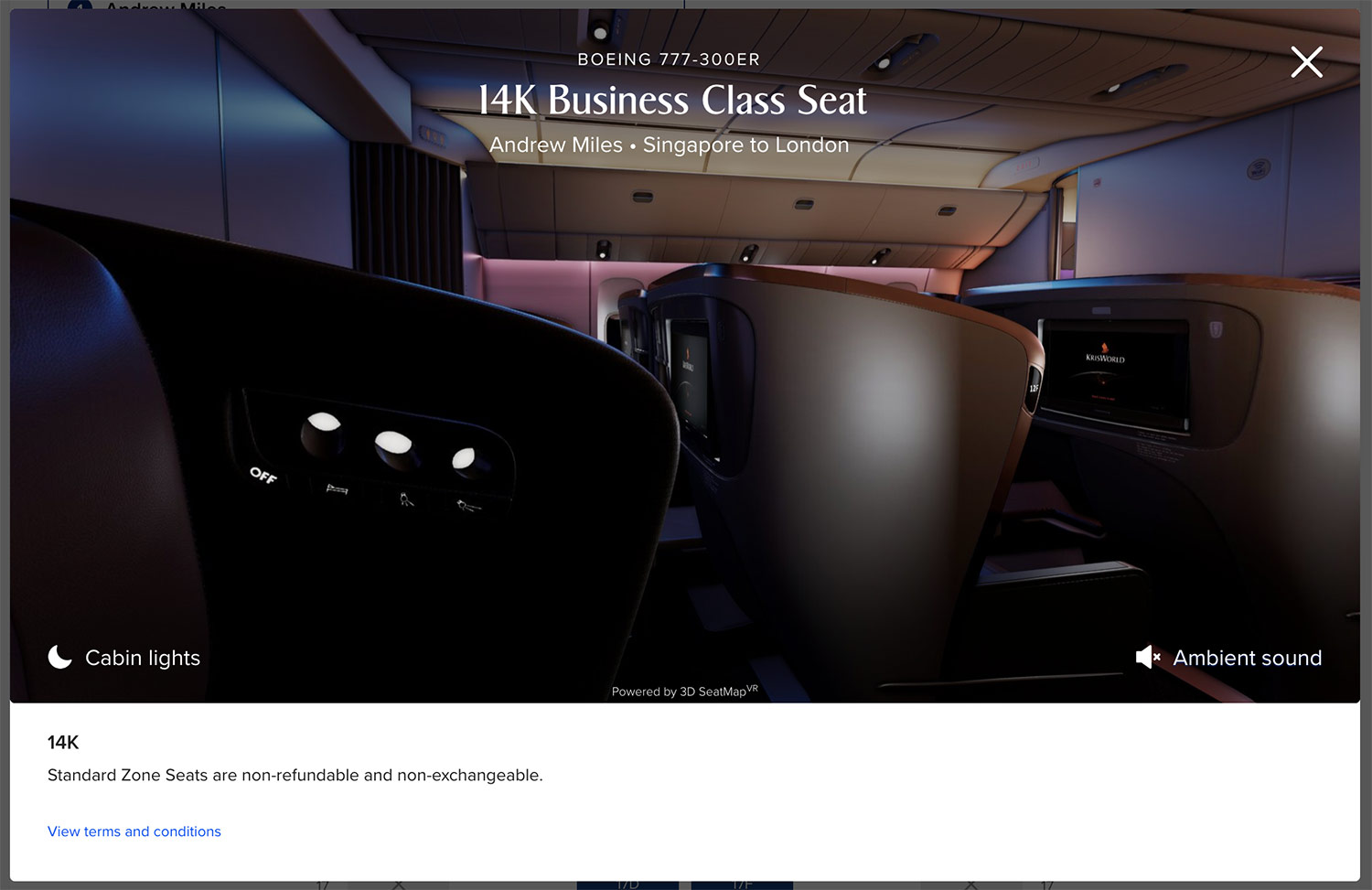
There’s also an ‘Ambient sound’ option, just like there is on the full cabin walk-through option, which rather than adding the noise of roaring engines, call bells, screaming infants and galley clatter, just plays nice music instead – as you pan around your virtual seat!

Luckily for those flights all four cabins are included, whether it be First Class:
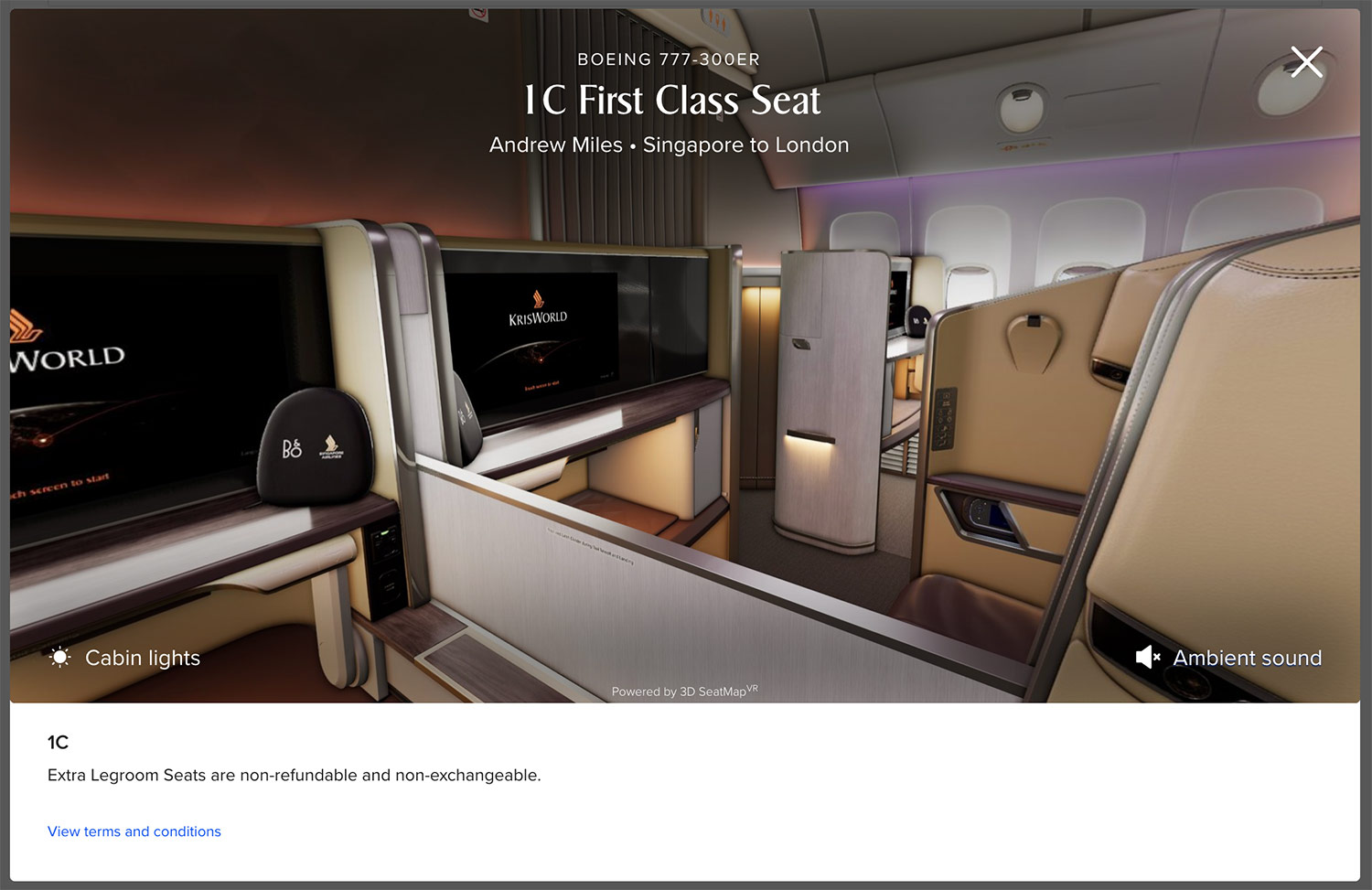
Business Class:

Premium Economy Class:

or Economy Class:

We noticed that the SingaporeAir mobile app does not seem to have the VR functionality added yet at the seat selection stage (though you can do the cabin walk-through on a mobile device), even for Boeing 777-300ER flights, based on testing with an iOS device.
To see these individual VR 3D seat pans, you’ll need to use a mobile browser or desktop browser, for now at least.
Hopefully the airline will continue to roll out this feature on its other aircraft types, and onto its mobile app, in due course.

Summary
Singapore Airlines has joined the ranks of a few airlines that have introduced VR 3D seat maps to their websites, allowing a much better way to choose your seat prior to your next flight.
This now includes a virtual cabin ‘walk-through’ function, but as before only the Boeing 777-300ER is included for now, via mobile and desktop browser methods.
We’re confident the airline will be rolling out the feature across all its aircraft types and booking platforms in due course, so stay tuned for that.
These kind of Virtual Reality viewpoints really assist with assessing privacy and window locations, adding to the already excellent aeroLOPA seat maps, which are available for all types in the fleet.
(Cover Photo: Shutterstock)
They should have used USB C instead of USB A